
Cleetus Design
Cleetus Design is a studio for the real interfaces your agents build. It combines repository-owned design systems, real source previews, component contracts, page composition, reference assets, and rules.
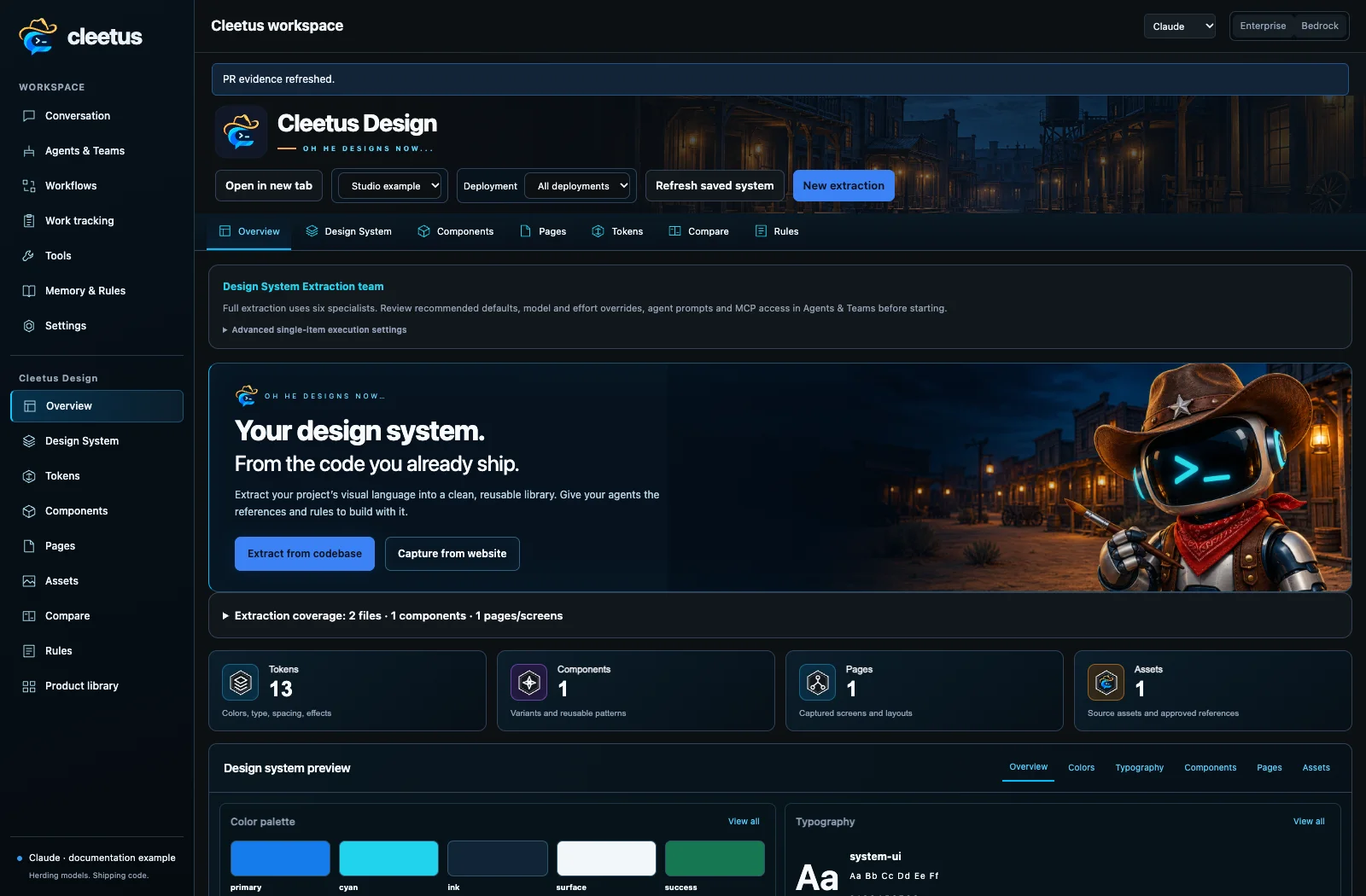
Extract a design system
- Open Design → Overview and select the project.
- Choose Extract from codebase. Review the six-specialist extraction team and scope.
- Keep recommended defaults or override available models and effort for the team or individual agents.
- Inspect detailed role prompts and MCP assignments, then create/start the team.
- Review artifacts and the audit: discovered source is different from built, rendered and verified coverage.
The team discovers source; curates tokens/assets; registers composed components, contracts and stories; maps pages/platforms; writes rules; and audits the library. It uses the same agent system as ordinary development, with tool permissions and explicit handoffs.
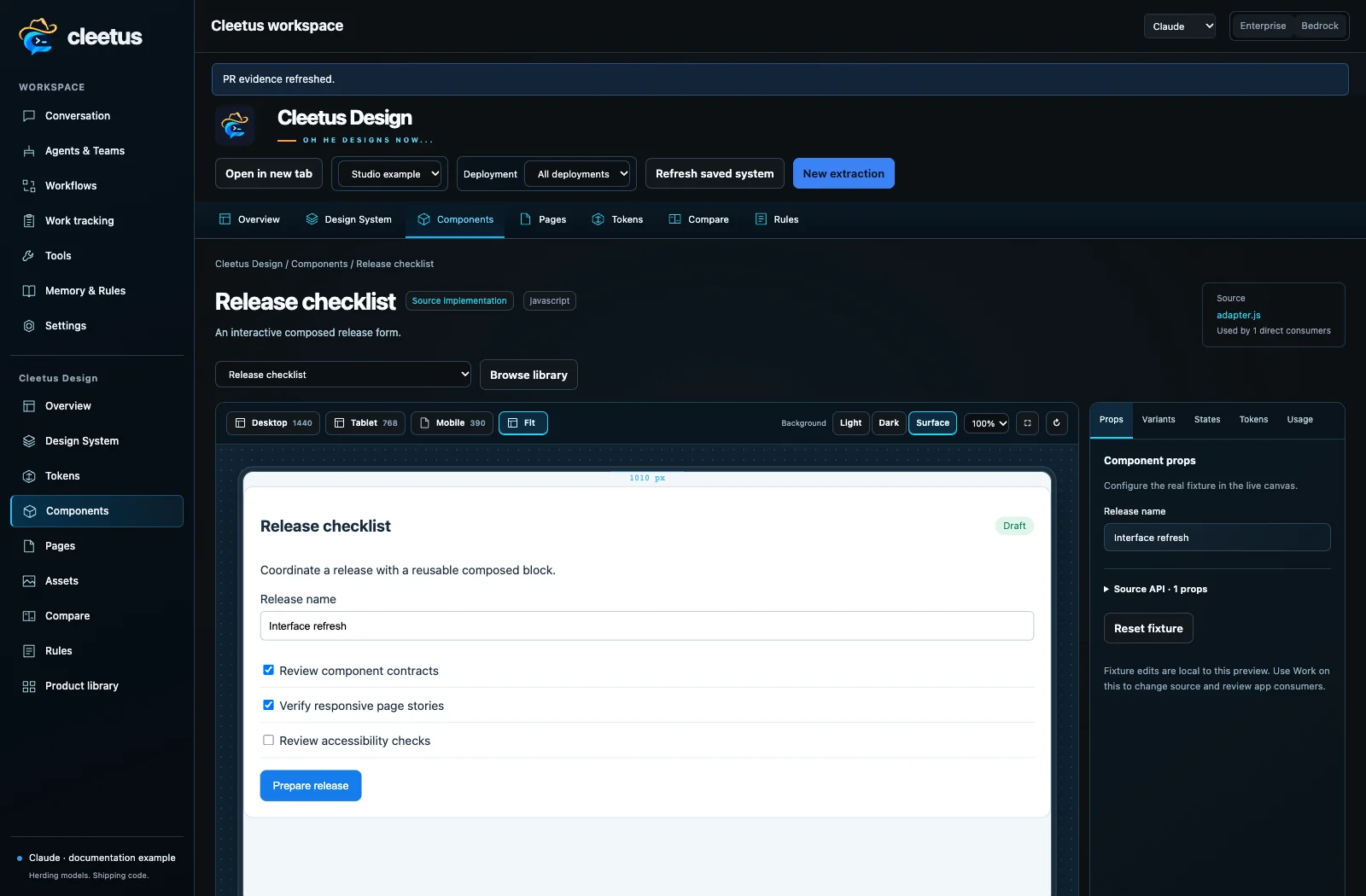
Components are building blocks
A component can be a navigation system, editor, form flow or card composition, as well as a primitive control. Component Studio renders registered project source with fixture props, variants, states, device widths and theme/background controls. Inspect usage, tokens, code and contracts before changing the public API.
Prepare an agent task from a selected component. Give it the implementation, contract, fixture, rules, consumers and acceptance checks. Review a live preview and impacted pages before adopting it. A pixel match does not prove behavior, accessibility or application correctness.
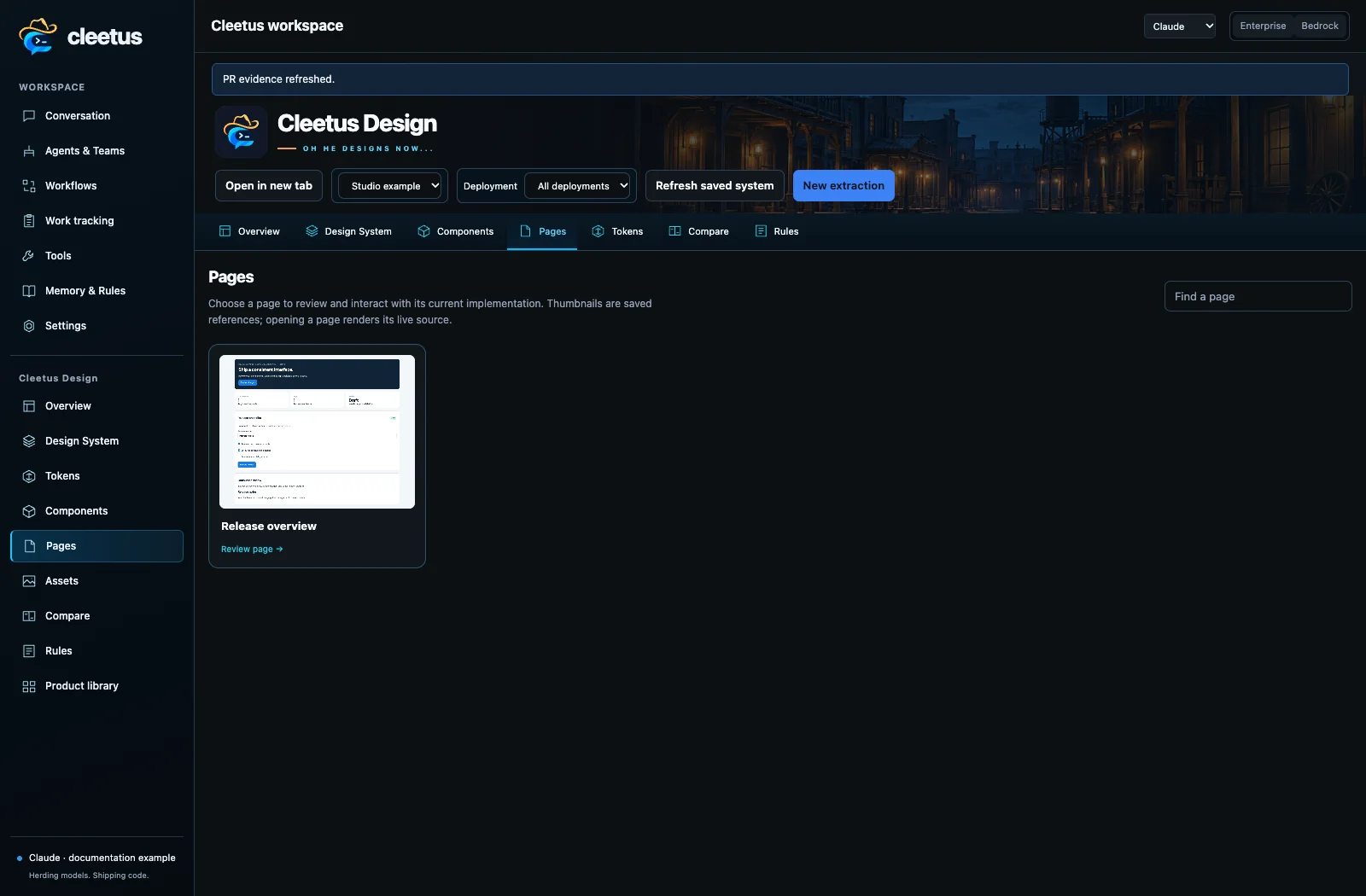
Pages, assets, tokens and rules
Click a page card to inspect its current registered source, device previews, composition and related components. Long pages belong in a scrollable review viewport rather than stretching the whole gallery. Browser previews do not require a PNG for every change; optional snapshots remain useful for comparison/export.
Tokens preserve the project's visual language. Assets retain source/provenance and explicit draft/approved/retired decisions. Approve canonical mocks/logos when you want agents to use them as references. Rules explain intended composition and platform differences.
Working previews need project dependencies, controlled fixtures and a registered adapter. Source discovery alone cannot invent authenticated data or native screen hosts. Use preview adapters and product libraries for a complete multi-platform workflow.